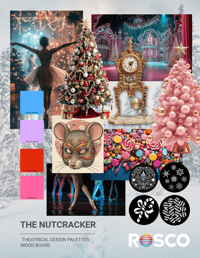
NUTCRACKER DESIGN PALETTES
Color suggestions provided by Scenic Artist Bridgette Dennett
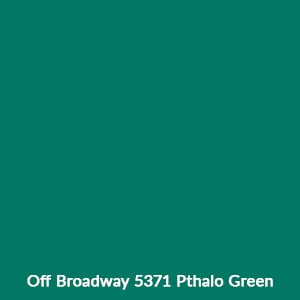
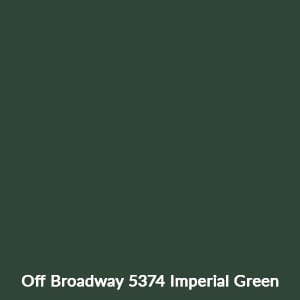
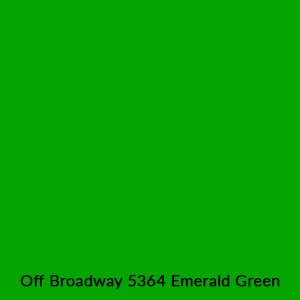
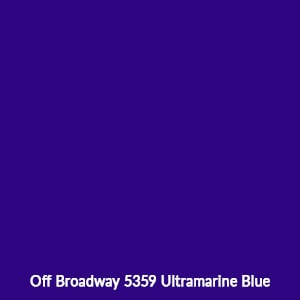
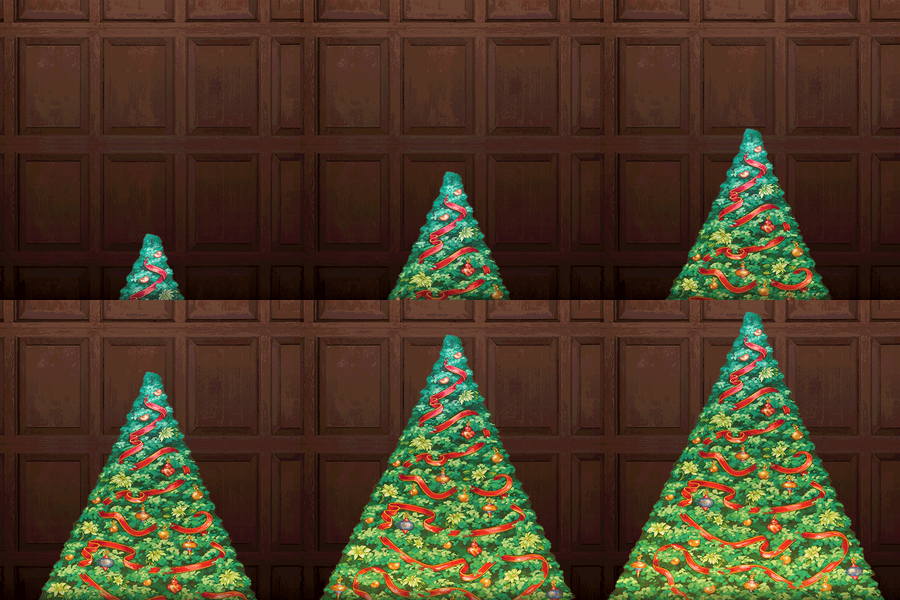
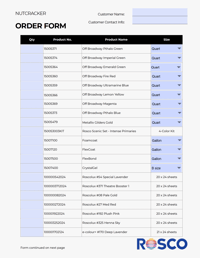
To create the “Growing Christmas Tree” begin by purchasing a P-I-Y (Paint It Yourself) Tree, then establish a base coat of Off Broadway Pthalo Green. From there, create a tree shadow color by mixing the Imperial Green with the Pthalo Green. Do the same with the Emerald Green to create a highlight color for the tree. See the Effect Recipe below for more details.
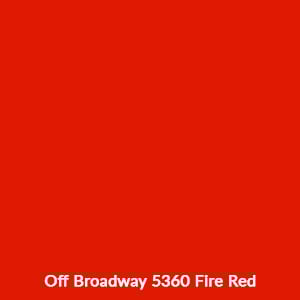
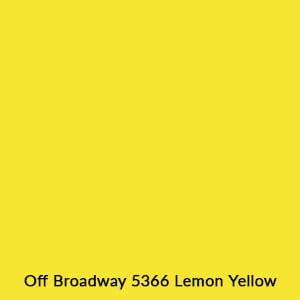
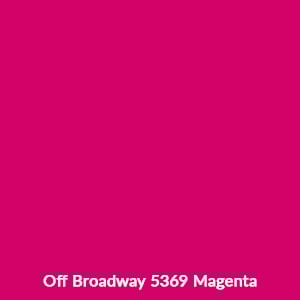
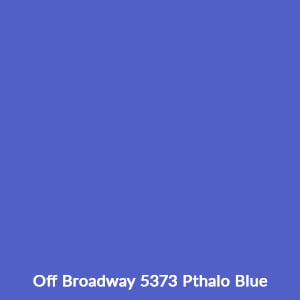
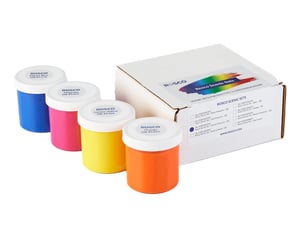
Use the colors to create vivid, colorful decorations for the tree. Remember that you can mix the “Intense Primary” colors: Lemon Yellow, Magenta, and Pthalo Blue, to create additional colors. Learn More.
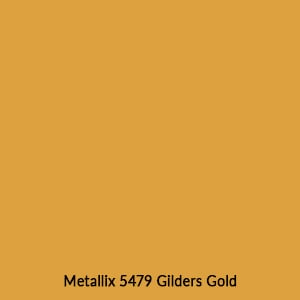
The Metallix Gilders Gold is for the Mouse King & Nutcracker masks (see below for more details).
PRO TIP
Figure out your decoration color recipes using the “Intense Primary” colors listed above by mixing together the paints inside Rosco’s Intense Primaries Scenic Set.
Coating suggestions provided by Scenic Artist Bridgette Dennett
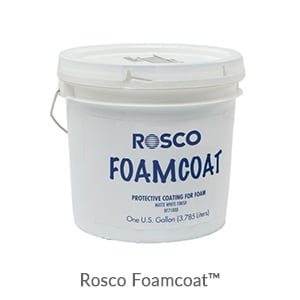
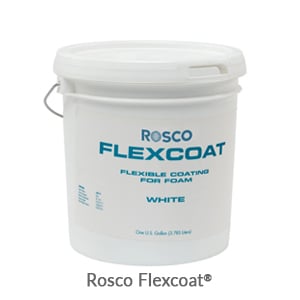
You can carve your Rat King and Nutcracker masks out of lightweight foam, then use Rosco’s FoamCoat or FlexCoat to protect the carving and prime the foam for paint. The FoamCoat dries hard and is good for rigid foam, while the FlexCoat is good for softer foams.
You can also create the masks using a papier mache technique by dipping strips of paper or muslin in Rosco FlexBond, then applying them to a shaped wire or similar armature mask frame.
Use the Metallix Gilders Gold to paint the Rat King’s crown or decorations onto the Nutcracker’s helmet.
Paint some sweet candy appliques to create your own “Land of the Sweets” backdrop. Use the decoration paint colors listed above to paint candy canes, wrapped candies, and other sweets onto a large pieces of sized muslin. Then cut the large candy appliques out and use Rosco CrystalGel to apply them to a colored backdrop. Learn how.
EFFECT RECIPE
Paint Your Own Magical Nutcracker Christmas Tree
Scenic Artist Donna Wymore provides tips and tricks for painting your own growing Christmas tree.
Color suggestions provided by Lighting Designer Darius Evans
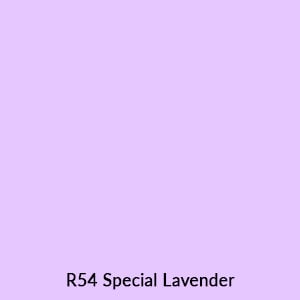
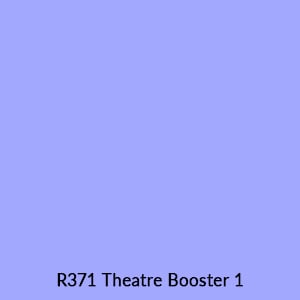
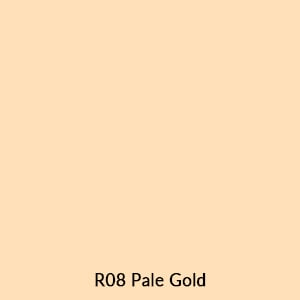
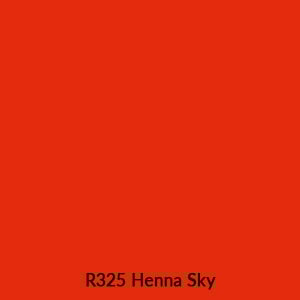
Use the R54, R371, and R08 to help shape the dancers on stage. Toning the dancers as they transition from location to location.
All of the other colors are meant to be combined with gobos to create different effects. See the Gobo Palette section below for more details.
Gobo suggestions provided by Lighting Designer Darius Evans
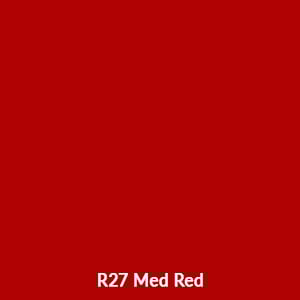
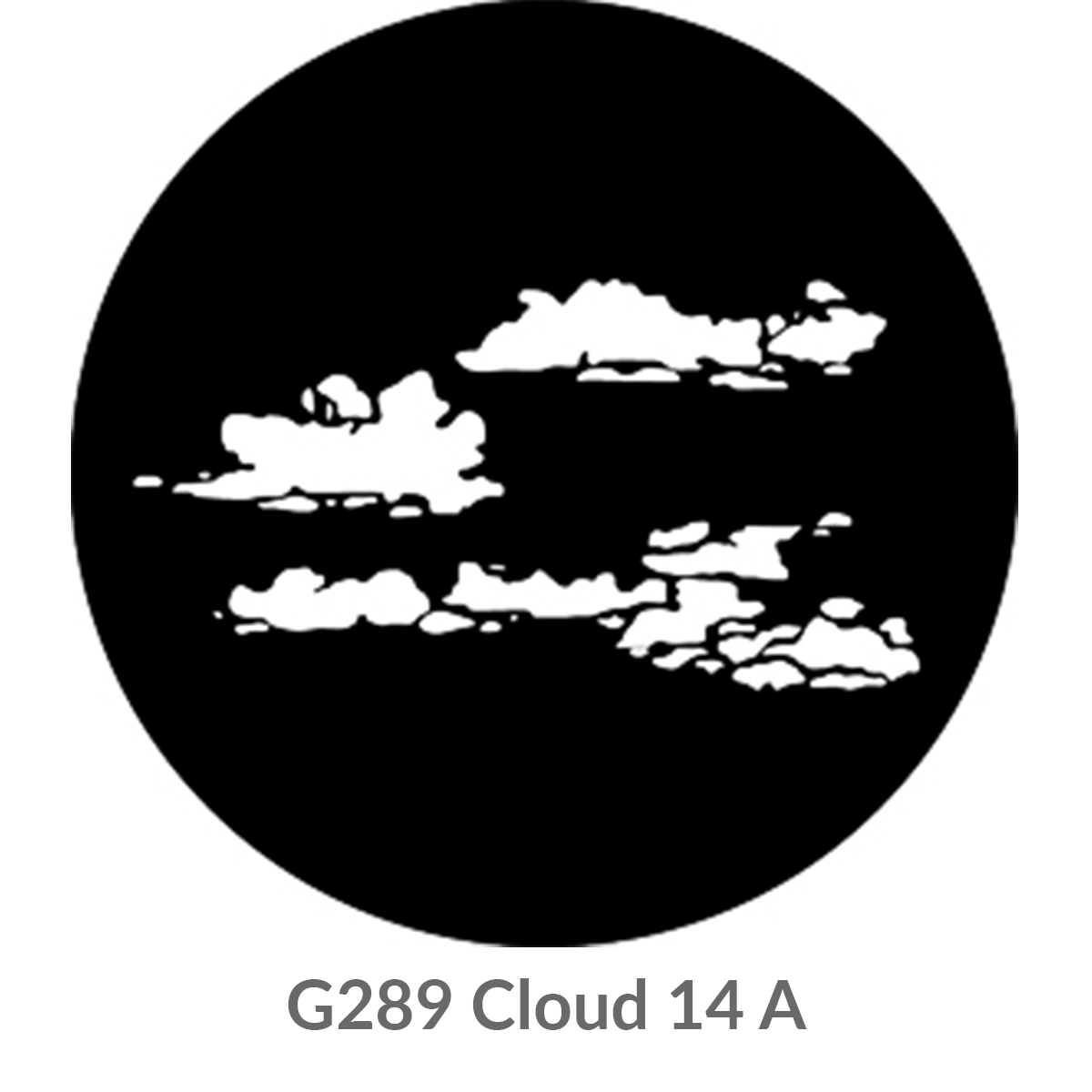
Combine gobo G289 with R27 or R08 and then pop this projection on stage to create “Cannon Blasts” during the battle scene.
Pro-tip: use the shutters of your fixture to “crop out” different areas of clouds.
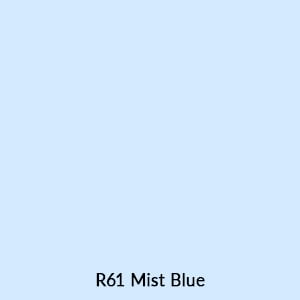
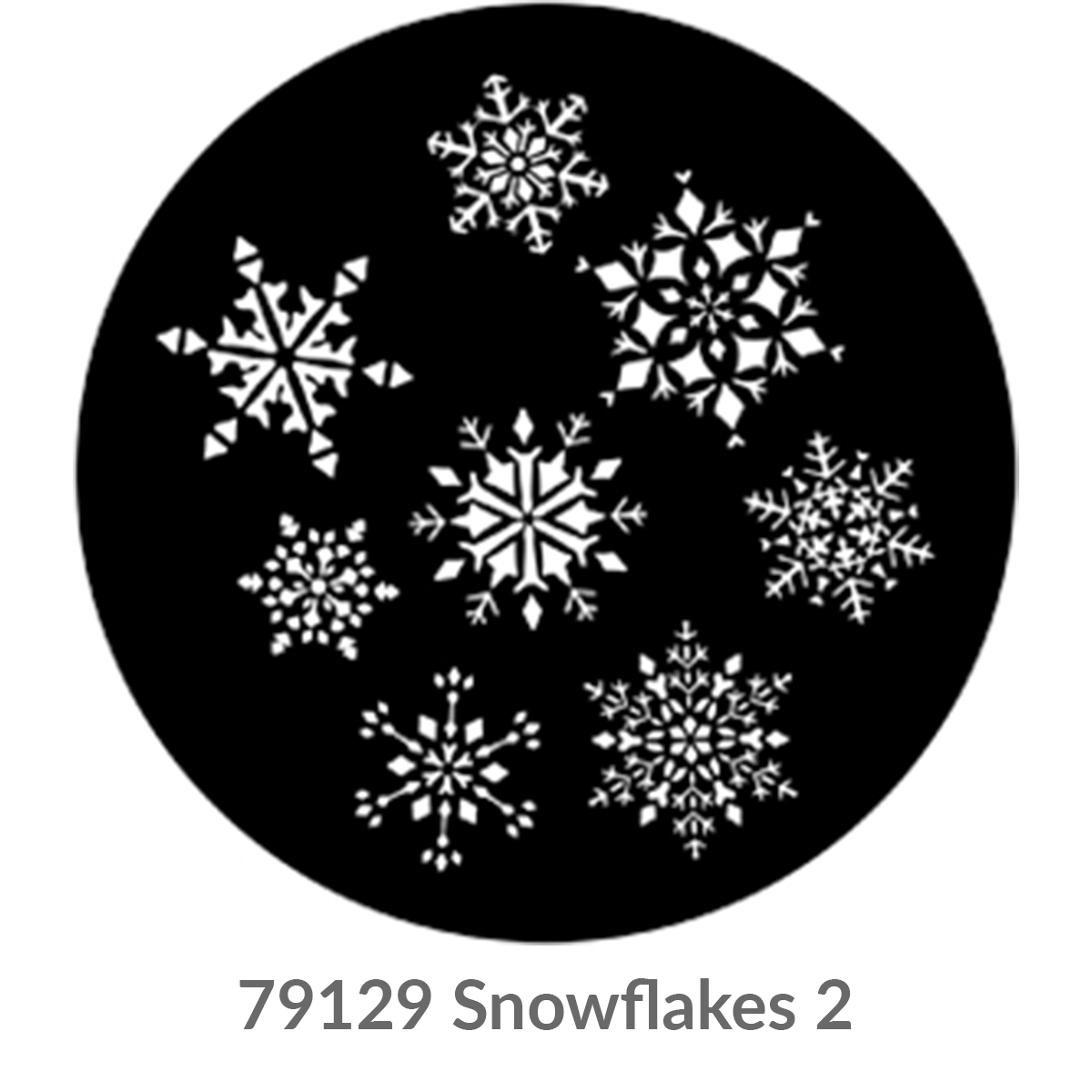
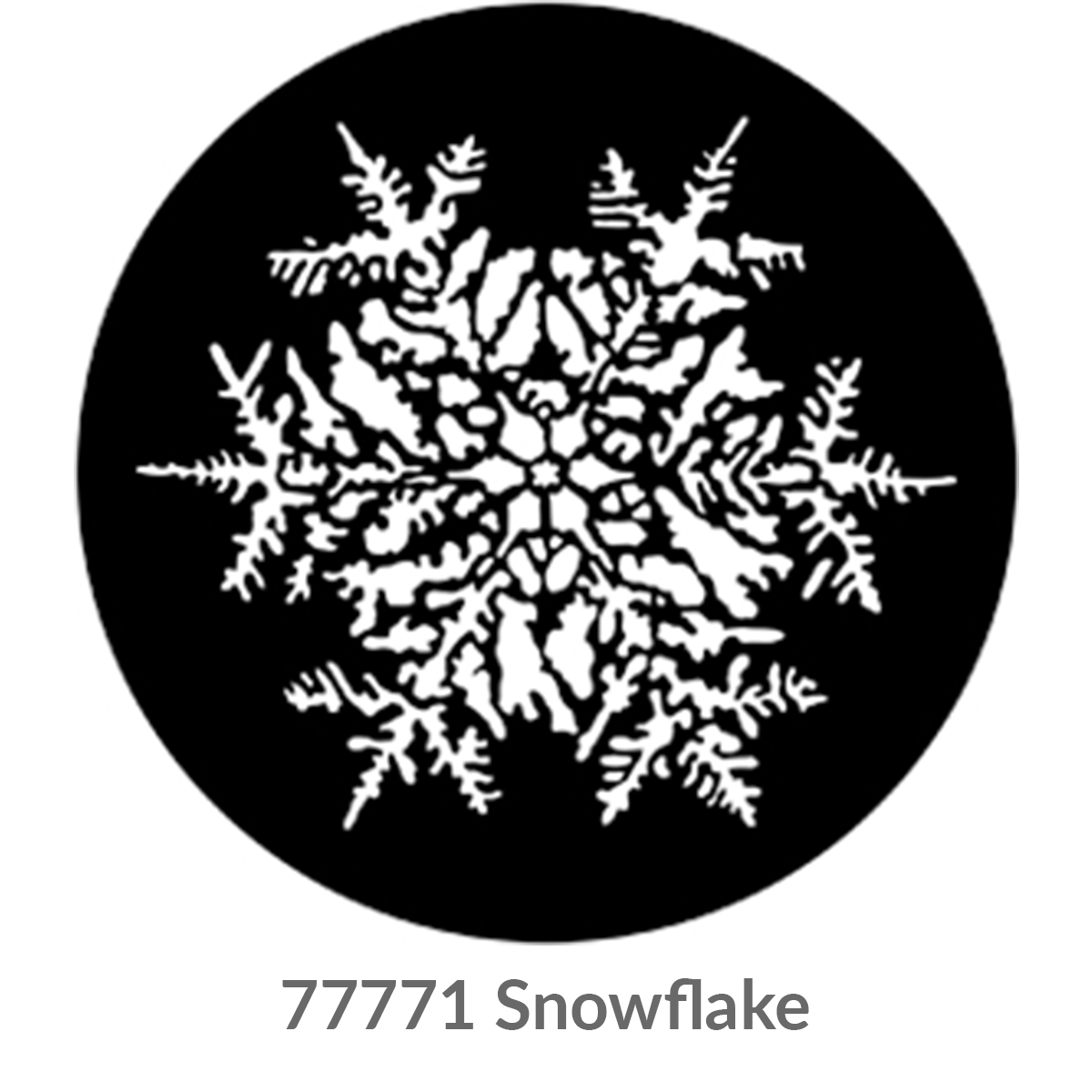
A couple of snowflake examples for “Snow.” Project either a group of them on the rear scrim, or a solo large snowflake onto the floor to showcase the Snow Queen. Combine them with R61 to give the projections an icy feel.
More Snowflake gobos here.
Pro-tip: Consider a Gobo Rotator to add motion to this effect.
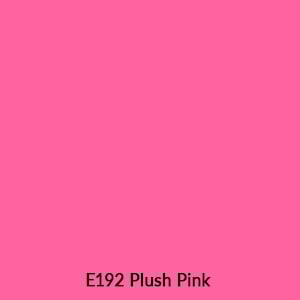
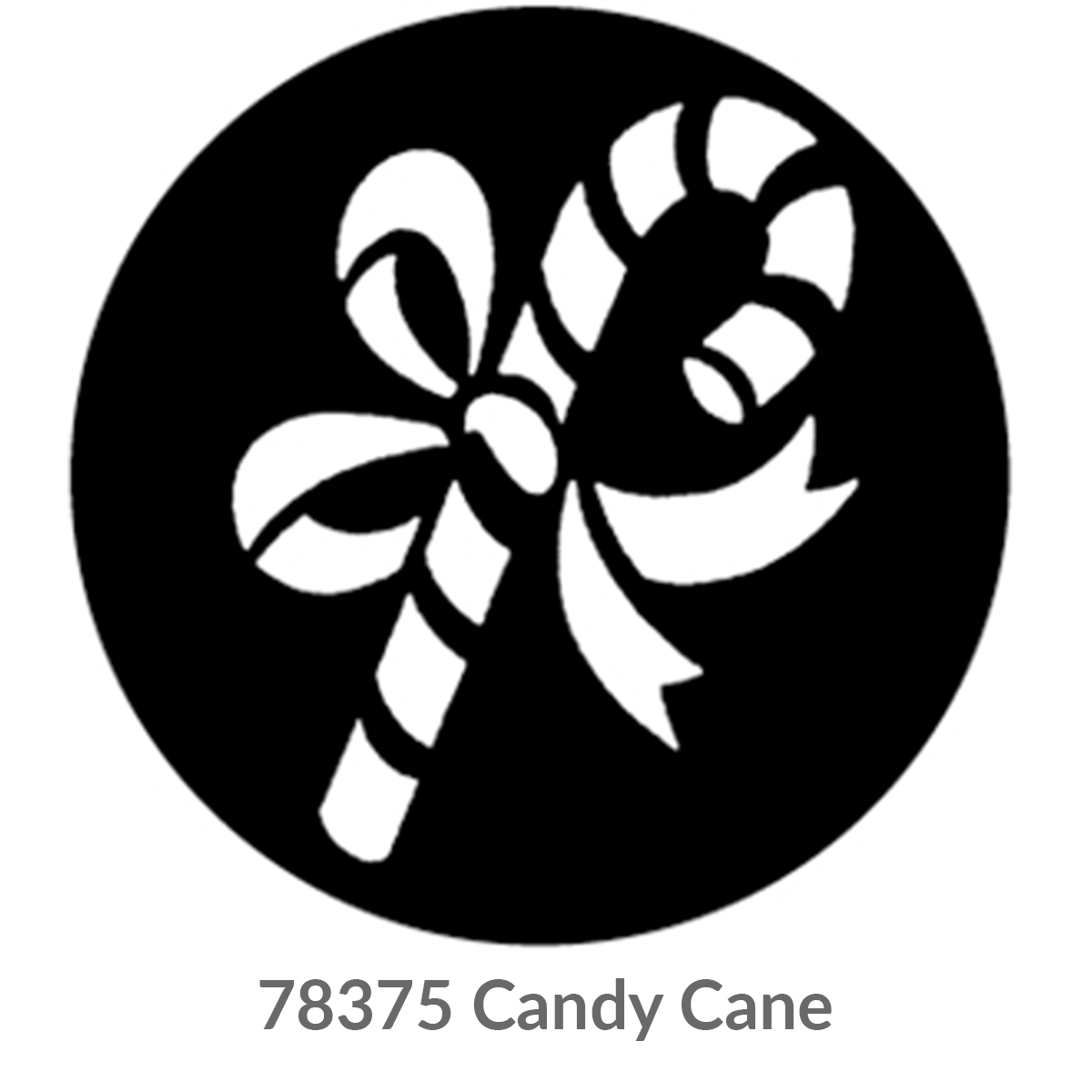
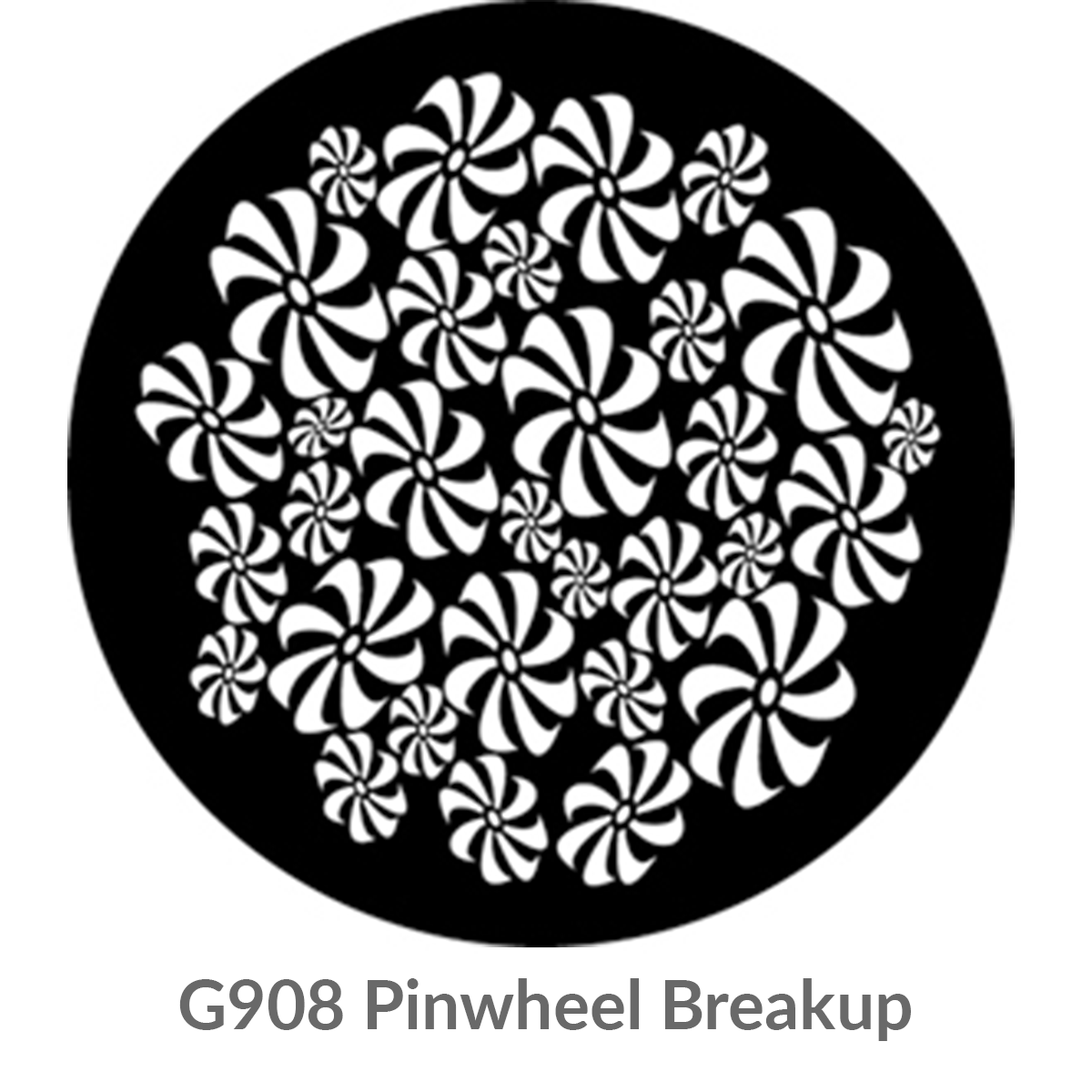
Instead of painting a “Land of Sweets” backdrop – fill your upstage scrim with Pinwheel Breakup patterns bookended with Candy Canes. Use either the R27 or the E192 to add candy-color to these projections.
You can also project gobos like these onto the walls of the house at the end of intermission to welcome the audience back before Act 2.
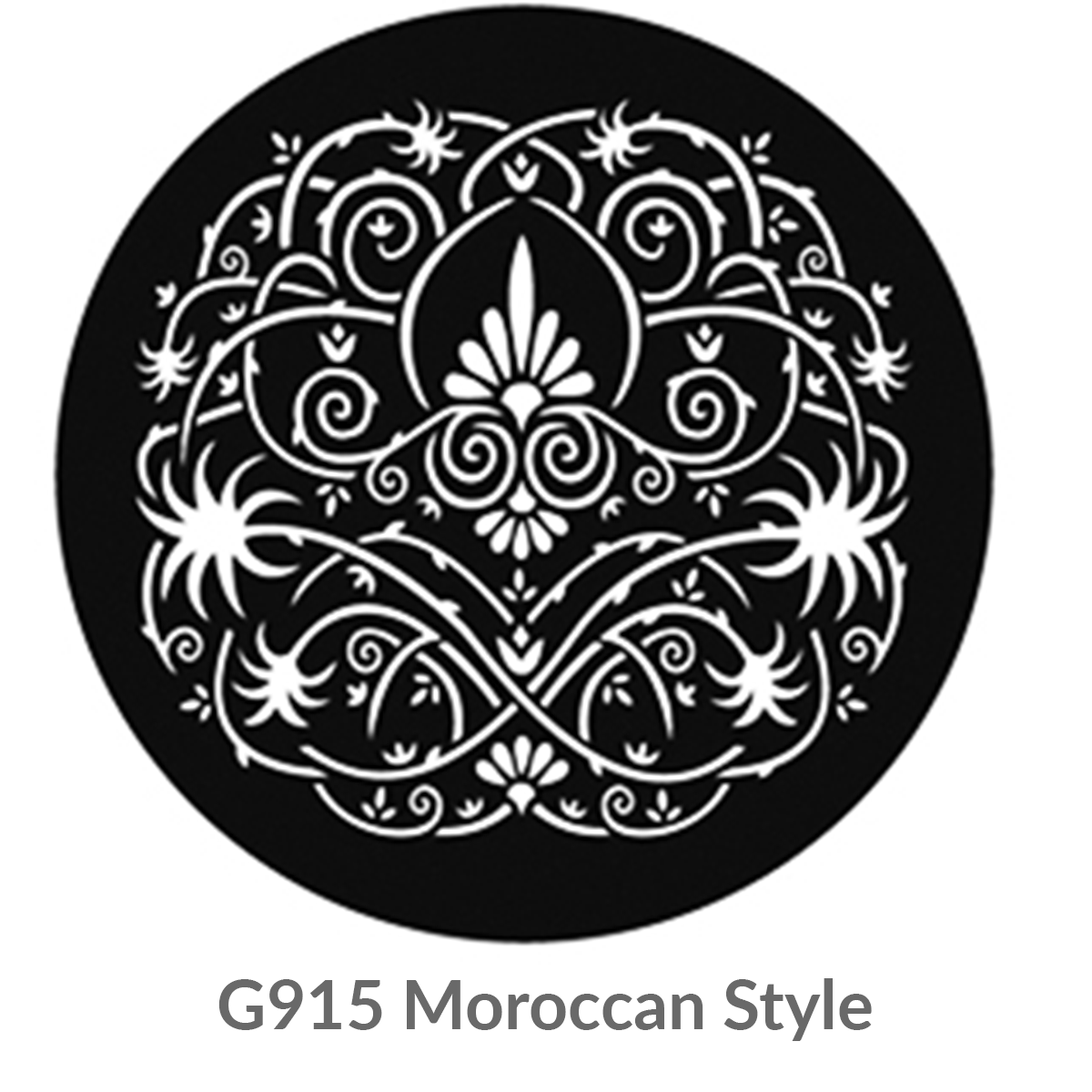
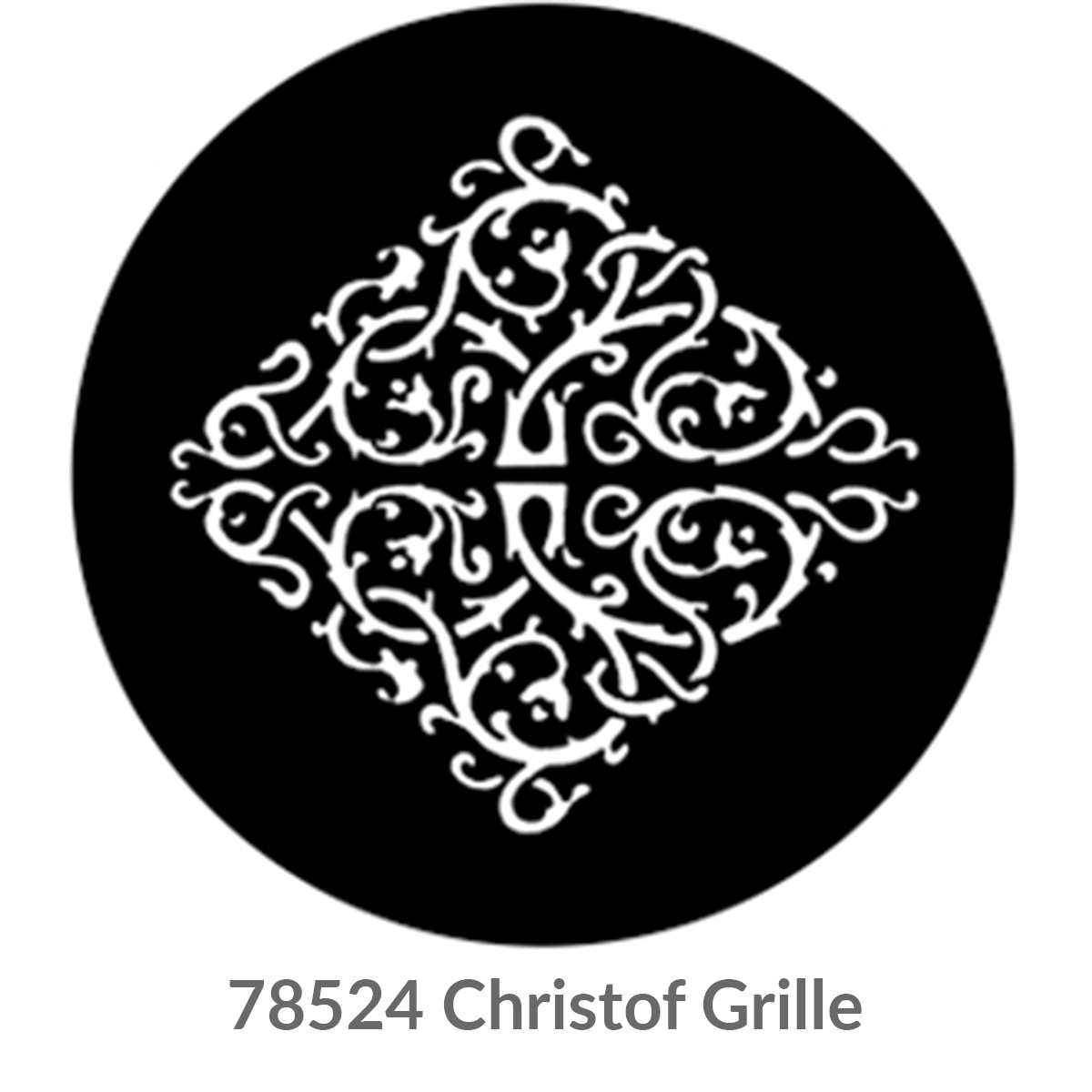
Use gobos G915 and 78524 to establish themes for the Divertissements by either projecting them onto the background or onto the floor for the performers to dance in.
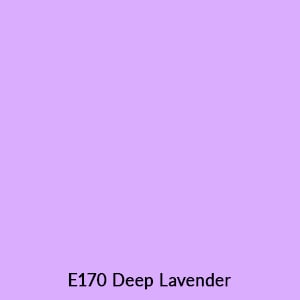
You can change the color of the gobo to move from one Divertissement to another – projecting the G915 in R27 Med Red for Spanish, for example, then transition into the E170 Deep Lavender for Arabian.

EFFECT RECIPE
Create A Programmable Clock On Stage With Gobos
Explore how you can create moving gobo clock hands using Black & White Glass Gobos and the RevoPRO™ Gobo Rotator.